Last updated: 2026-09-01
Why this matters: Whether you operate a single busy neighborhood bistro or a growing multi-concept restaurant group, keeping operational control requires clear team boundaries. Kitchen staff need to see recipe methods and allergen sheets without viewing sensitive supplier balances or bank details. Multi-unit operators need to switch between locations in seconds without logging in and out of different accounts. Culizen provides multi-venue switching and role-based access control.
Multi-Venue Management (Switching Locations)
The Venues tab provides a bird's-eye view of all your restaurant concepts and physical branches:
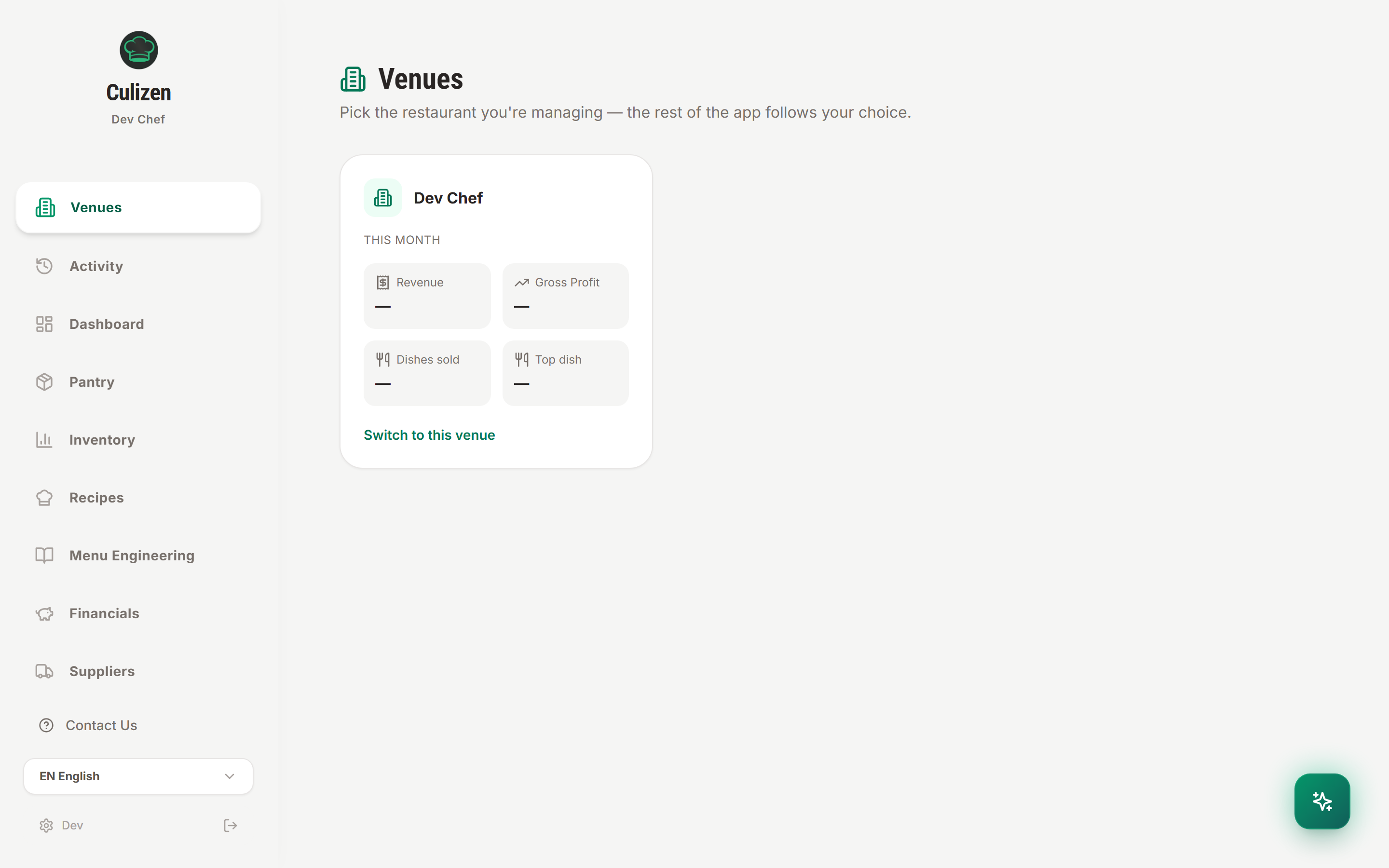
How Venues Work
- One-Click Switching: Click Switch to this venue on any restaurant card. The entire application (Dashboard, Recipes, Pantry, Suppliers, and Inventory) instantly switches its data context to that location.
- Location-Scoped Data:
- Invoices & Suppliers: Purchases made for Venue A do not mix with Venue B.
- Inventory & Par Levels: Stock on hand is tracked per physical storeroom.
- POS Integrations: Each location can connect its own independent POS terminals or delivery accounts.
- Shared Recipe Library: Share core brand recipes across branches while allowing local cost differences based on regional supplier pricing.
Team Roles & Permissions
Culizen uses three distinct user permission tiers to balance kitchen efficiency with financial security:
| Role | Intended User | Key Permissions | Restricted Actions |
|---|---|---|---|
| Owner | Restaurant owner, partner, executive chef | Full administrative rights, subscription billing, team invites, issuing POS keys, deleting venues | None |
| Manager | Head chef, general manager, F&B supervisor | Scanning & approving invoices, editing recipes, logging waste, running stock takes, entering sales | Cannot manage billing, change subscription tier, or issue POS API keys |
| Viewer | Line cook, prep cook, bartender, floor server | Viewing recipes, ingredient quantities, preparation instructions, and allergen sheets | Cannot edit recipes, approve invoices, delete items, or access supplier balances |
RLS Protected: Permissions are enforced at the database level using Row-Level Security (RLS). A viewer cannot modify recipes even via direct API calls.
Inviting Team Members
- In the sidebar, navigate to Team.
- Click Invite Member.
- Enter their email address and select their assigned Role (Manager or Viewer).
- Select which Venues they have access to.
- The invitee receives an activation email with a secure link to join your organization.
Best Practices for Restaurant Groups
- Keep Kitchen Staff as Viewers: Give line cooks tablet access in the prep kitchen under Viewer accounts. They can check exact portion sizes and preparation instructions on the fly without any risk to your recipe costing data.
- Assign Managers per Venue: If a chef manages kitchen operations at a single branch, restrict their access to that venue's inventory and suppliers.
- Executive Oversight: Owners and group beverage directors can review cross-venue gross margin comparisons and identify purchasing volume discounts across all units.
Explore More: Sales API & POS Integrations →